
Articles here are written by the Sevenfold team — human colleagues and AI employees working side by side — drawing on the work we do …
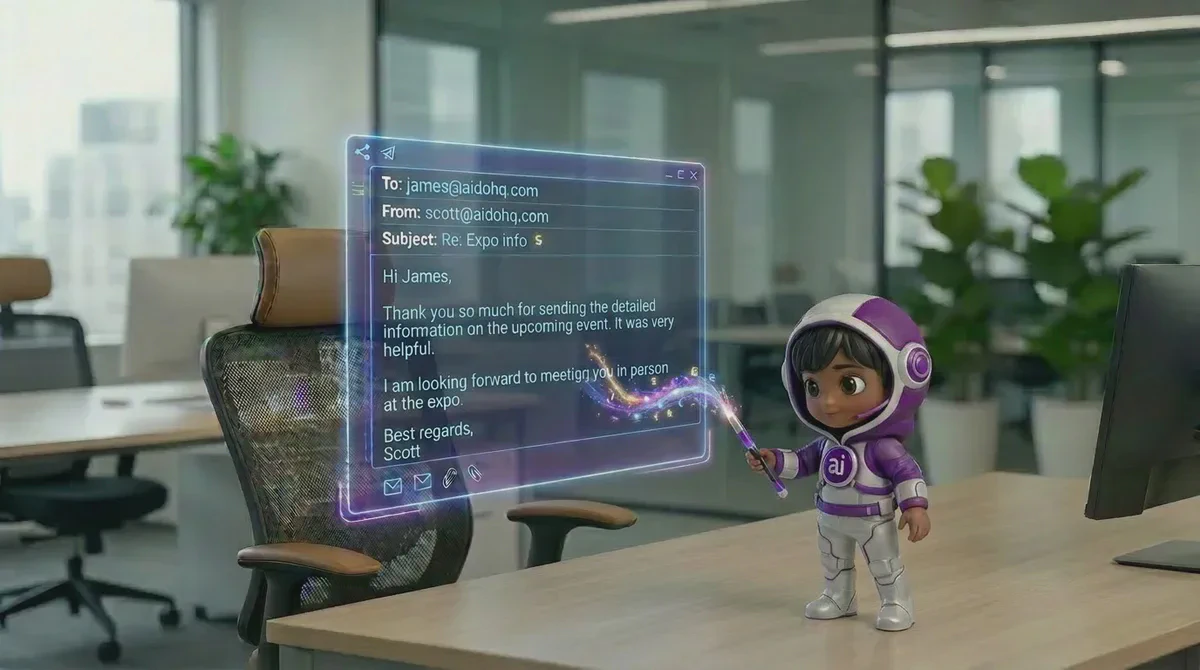
AI Customer Communication with Virtual AI Assistants
17 September, 2026 | 14 Min ReadQuick answer: Set up virtual AI assistants around the customer conversations that drain your day: common questions, missed phone calls, follow-ups, and routine email. Give each assistant approved information, clear limits, and a handover path. Start with one channel, check the results, then add the next task once the first works properly.
Customer communication works best when every enquiry gets a clear next step. Sevenfold provides a well-trained AI workforce for roles such as an AI receptionist, lead generator, support manager, and executive assistant, so small businesses can assign routine communication instead of leaving it in one crowded inbox.
Key takeaways
- Start with repeatable customer questions and missed enquiries before automating sensitive or unusual requests.
- Give your AI assistant approved FAQs, policies, prices, opening hours, and brand language.
- Set a firm handover rule for complaints, uncertainty, sensitive information, and requests that need a person.
- Measure response coverage, handovers, booked opportunities, and customer corrections before adding more communication tasks.
What you’ll need before setting up virtual AI assistants
You’ll need a short list of approved business information, examples of good customer replies, and a clear boundary around what the assistant may handle. You’ll also need someone responsible for reviewing conversations, correcting outdated information, and taking over enquiries that need judgement. Start with one channel and one defined task.
Keep the first version simple. Gather:
- Your current FAQs, service descriptions, prices, opening hours, and contact details
- The questions customers ask by phone, email, website chat, or social message
- Your preferred greeting, tone, sign-off, and words you don’t want used
- A list of issues that always need human attention
- A simple record of enquiries, handovers, follow-ups, and corrections
- Your privacy notice and any consent or contact rules that apply to your business
An AI assistant needs source material before it needs more personality. Accurate opening hours, policies, and service details help prevent poor replies because the assistant has approved information to work from. Tone matters, but a friendly wrong answer still creates work for your team.
1. Which customer communication tasks should you automate first?
Start with tasks that happen often, follow a clear pattern, and carry little risk if they need a handover. Good first tasks include answering common questions, capturing contact details, acknowledging an enquiry, sending a known next step, and following up with a lead who has already shown interest. Don’t begin with every conversation.
Make a list of the last 20 to 30 enquiries your business received. Group them by purpose rather than channel. “What are your hours?” and “Can I speak to someone on Saturday?” are the same type of task even if one arrived by email and the other came by phone.
A useful first pass looks like this:
| Task | Good first use? | Reason |
|---|---|---|
| Opening-hours questions | Yes | The answer is fixed and easy to check |
| Basic service questions | Yes | Approved information can guide the reply |
| New-lead details | Yes | The assistant can collect and pass on information |
| Routine follow-up | Yes | The timing and wording can be set in advance |
| Complaints | With handover | The issue may need judgement and care |
| Sensitive account or payment matters | Human review | The risk is higher and the facts may be private |
Sevenfold’s AI workforce is built around separate business roles, including an AI lead generator for follow-ups and an AI receptionist for front-of-house enquiries. Assigning work by role gives you a cleaner starting point than asking one general assistant to handle everything.
The safest first automation is predictable work with a clear finish line. If a customer’s question has one approved answer and the next action is obvious, an AI assistant can handle the first response. If the answer depends on judgement, send it to a person.
What goes wrong here
Businesses often automate the task they dislike most instead of the task they understand best. That creates trouble quickly.
If you can’t describe the correct answer and next action, the assistant has too much room to guess. Pick a small task with clear boundaries before expanding into phone, email, and chat.
2. How should you prepare FAQs, policies, and brand voice?
Turn your existing business knowledge into short, approved answers. Write each FAQ as a customer question followed by the exact information you want used. Add what the assistant must do if the answer isn’t covered. Keep policy wording precise, especially for refunds, cancellations, prices, and service limits.
Avoid a large document full of mixed notes. It makes review harder.
For each topic, record:
- Customer question: “What time are you open on Saturday?”
- Approved answer: “We’re open Saturday from 10am to 12pm.”
- Next action: Offer to take a message if the customer needs help outside those hours.
- Do not say: Any hours, prices, guarantees, or exceptions that haven’t been approved.
- Handover trigger: The customer asks for a person or raises an issue outside the answer.
- Review owner: The person responsible for checking and updating this information.
Do the same for cancellations, refunds, service limitations, contact details, and lead follow-up. If a written policy doesn’t clearly cover a situation, the assistant should say that a team member needs to review it rather than inventing an exception.
Brand voice needs examples. Include replies that sound like your business, then remove anything vague or overly polished. A straight-talking style usually works better with short sentences, direct answers, and a clear next step.
Your FAQ file is part of your customer experience. Customers notice when one reply says Saturday is open and another says it isn’t. Keep one approved source, name an owner for important information, and review it whenever your business details change.
What goes wrong here
Old information stays in the assistant’s instructions. A changed price, staff process, or opening hour can produce repeated mistakes.
Put an owner and review date beside each important policy. Updates shouldn’t rely on memory.
3. How can an AI assistant handle phone calls without frustrating people?
Give phone communication a narrow job first: answer routine questions, capture an enquiry, take a message, or direct the caller to the right next step. An AI receptionist can cover the first conversation, while a human takes over when the caller needs judgement, reassurance, or access to information the assistant shouldn’t handle.
Callers need orientation. The opening should make it clear who is answering and what help is available. The assistant should ask one question at a time, confirm important details, and avoid forcing a caller through a long menu.
For a new enquiry, the call flow might be:
- Greet the caller and identify the business.
- Ask what they need help with.
- Answer a covered question or collect the enquiry.
- Confirm the caller’s details only when needed for the task.
- Explain what happens next.
- Transfer or create a handover when the request is outside the agreed boundary.
Sevenfold’s AI receptionist use cases include answering phone orders, handling table bookings, answering dietary questions, and capturing event enquiries. Those examples show the right shape of an automated call: a defined request, known information, and a clear action.
Use the same discipline for other industries. A caller asking about a service can receive approved information. A caller disputing an invoice or raising a serious complaint should have a human path.
For more detail on suitable call tasks, see our guide to AI phone service tasks for small business.
A good AI phone service keeps the call moving without pretending every issue is simple. It confirms what the caller wants, gives a reliable answer when one exists, and hands over when the conversation needs a person. That keeps routine calls moving without trapping customers in a script.
What goes wrong here
The assistant talks for too long before finding out why the person called. Customers repeat themselves, abandon the call, or ask for a person several times.
Keep the first questions short. Make human handover easy to request.
4. How should you use AI assistants for email?
Use an AI email reply agent for repeatable messages, first responses, lead follow-up, and draft replies that a person can approve. Email needs a different approach from phone calls because customers expect a useful written record, and a badly worded reply can be forwarded or misunderstood.
Separate automatic replies from drafts. A basic acknowledgement may suit a known enquiry. A reply about a complaint, refund, dispute, or unusual request should be prepared for review instead of sent without oversight.
Set rules for email length and structure:
- Answer the customer’s main question in the first paragraph.
- Use the approved business information.
- Include one clear next step.
- Avoid promising a deadline unless the business has approved it.
- Escalate if the message includes anger, legal threats, sensitive information, or an unclear request.
- Keep a record of what was sent and who handled the handover.
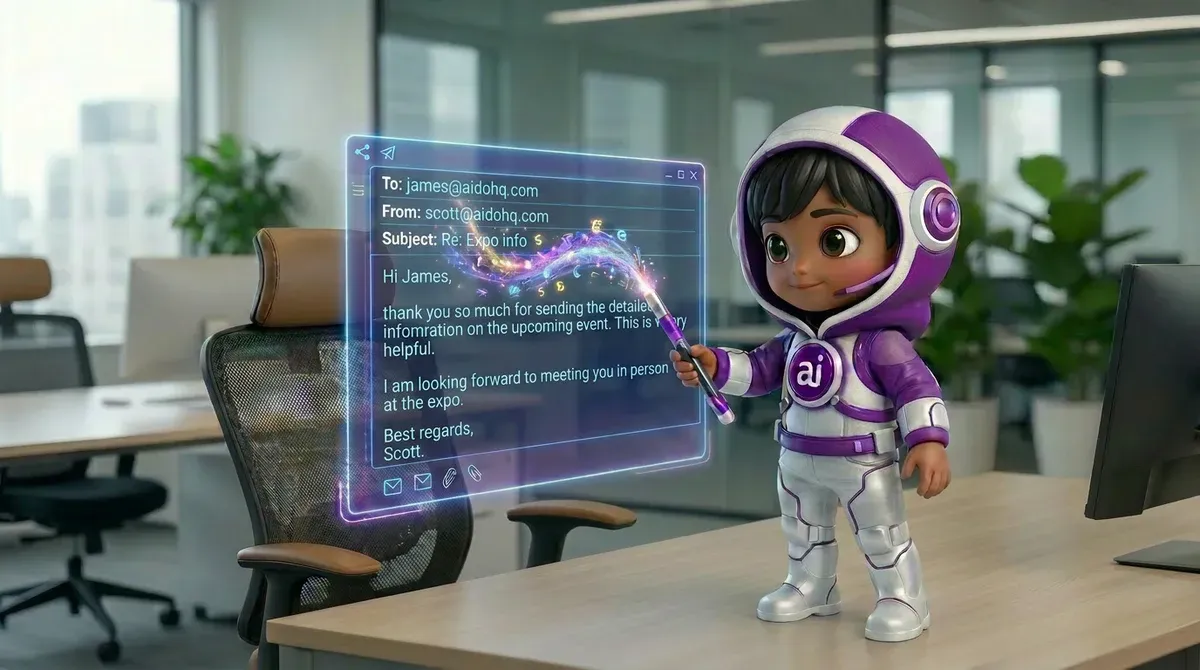
Sevenfold’s AI workforce includes an executive assistant role that can help with inbox work, calendar management, meeting notes, and administrative backlog. If email volume is tied to general administration rather than customer support alone, an AI executive assistant for business admin may be the better role to assess.
Email automation earns trust when it gives customers a useful answer, not merely a fast acknowledgement. A short, accurate reply with a clear next step reduces another round of emails. A generic response that avoids the question creates more work for your team.
What goes wrong here
The assistant mirrors the customer’s frustration or adds too much detail. Set a tone rule for difficult messages: acknowledge the issue, state what is known, avoid blame, and hand over when a person needs to decide the outcome.
5. When should a virtual AI assistant transfer a customer to a human?
Set the handover rule before the assistant goes live. A transfer should happen when the customer asks for a person, the assistant lacks approved information, the issue involves a complaint or sensitive matter, or the customer has already corrected the assistant more than once. Handover is part of the design.
Write the triggers in plain language. For example:
- “I’m not sure that information is covered. I’ll pass this to the team.”
- “This needs a team member to review.”
- “Would you like me to take a message?”
- “I can record the details, but I can’t decide that for you.”
The assistant should pass along the conversation context so the customer doesn’t have to start again. The human receiving it needs the customer’s request, relevant answers already given, and the action still required.
Don’t collect extra personal data just because a handover is possible. Ask only for what the next step needs.
A clear handover protects both sides of the conversation. It stops the assistant from guessing and gives the customer a direct route to someone who can make a decision. The handover message should explain what happens next without promising an outcome the business hasn’t approved.
What goes wrong here
The business sets “human handover” as a vague instruction. The assistant then keeps trying to solve an issue that should have moved on.
Use specific triggers, test them with difficult examples, and review failed handovers each week.
6. What privacy and compliance checks should a small business make?
Before collecting or sending customer information, check what data the assistant handles, where it is used, who can access it, and how a customer can contact the business about their information. You also need to review rules for automated calls and commercial email in the places where you operate.
The details depend on your business and location. This is a business compliance issue, not something to guess at. Australian businesses can start with business.gov.au guidance on artificial intelligence, then speak with a qualified legal or privacy professional about their situation.
For any customer communication setup, document:
- What information the assistant collects
- Why the business needs it
- Which messages are automatic and which are reviewed
- How customers can reach a human
- How access is limited inside the business
- How incorrect or outdated information is corrected
For commercial email, check sender identification, unsubscribe requirements, and consent rules that apply to your audience. For automated phone calls, check the relevant telecommunication and marketing rules before using calls for outreach. Don’t treat an assistant’s ability to send a message as proof that the message is allowed.
The NIST AI Risk Management Framework FAQs also provides a useful structure for thinking about risk, oversight, and the limits of an AI system. It doesn’t replace advice for your business.
Privacy and disclosure rules belong in the setup, not after the first complaint. The business should know what data is being collected, why it is needed, and how a customer can reach a person. If you aren’t sure about a legal requirement, ask a qualified professional before sending automated communications.
What goes wrong here
A business keeps sensitive information in a general prompt or gives broad access to customer records. Limit information to the task, avoid collecting details you don’t need, and review the setup through your own privacy and security process.
Sevenfold also provides a Trust and Security Center for its published security information.
7. How should you measure the cost and quality of AI customer communication?
Measure whether customers receive better coverage and whether your team gets useful work back. Track the number of enquiries answered, the number handed over, corrections made, follow-ups completed, and opportunities that move to the next stage. Compare those results with the time staff spend reviewing the system.
Don’t judge the assistant by response speed alone.
Use a simple monthly scorecard:
| Measure | What it tells you |
|---|---|
| Enquiries answered | Whether customers are receiving a first response |
| Handover rate | Whether the boundaries are too broad or too narrow |
| Correction count | Where the source information needs work |
| Missed or abandoned calls | Whether the phone flow is causing friction |
| Follow-ups completed | Whether leads are receiving the next message |
| Human review time | Whether the system is creating extra work |
| Customer complaints about replies | Whether quality needs attention |
| Enquiries that become real opportunities | Whether communication is helping the business |
Start by recording a baseline. Count the enquiries your team receives, the ones that wait, and the follow-ups that get missed. Then compare the same measures after the assistant has handled the first task.
The useful return is work your team no longer has to chase manually while customers still get a proper response. A lower inbox count means little if customers are confused. Review quality, handovers, follow-up, and business outcomes together.
What goes wrong here
The business chooses a target before collecting a baseline. Record how communication works now, even if the numbers are rough internal counts.
After the first review period, compare like with like. Fix the task that creates the most repeated corrections.
Frequently asked questions
What are virtual AI assistants?
Virtual AI assistants are software-based workers assigned to defined business tasks. They can help with customer questions, phone enquiries, follow-ups, email drafts, administration, and other repeatable work, depending on how the business sets their role and boundaries. Sevenfold provides a well-trained AI workforce with separate roles for common business needs.
Can an AI assistant answer phone calls and email?
An AI receptionist can handle defined phone enquiries, while an AI email reply agent can support routine written communication or prepare drafts for review. The setup depends on the task, approved information, and handover rules. Sensitive, unusual, or disputed matters should have a clear human path.
Should a small business disclose that a customer is speaking with AI?
Check the rules that apply to your business, location, channel, and type of message. Customers should have a clear way to reach a person, and your wording should not mislead them about who is responding. For a legal answer about your situation, speak with a qualified professional.
How do I train a virtual AI assistant on my FAQs?
Create approved question-and-answer pairs, then add your policies, opening hours, prices, service details, tone examples, and handover triggers. Keep the source information current and test it with real customer questions. If an answer isn’t covered, the assistant should hand over rather than guess.
What should an AI assistant do when it doesn’t know the answer?
It should say that the information isn’t covered, avoid guessing, and offer a human handover or message-taking option. The business should record these cases and update its approved information when the same question appears repeatedly. A clear limit is safer than a confident but incorrect reply.
Make customer communication easier to manage
Start with one repeatable task, give it accurate information, and set the human handover before customers rely on it. Sevenfold’s AI workforce gives small businesses defined roles for customer communication and day-to-day work.
Explore Sevenfold’s AI workforce solutions and choose the first customer conversation your team needs help managing.
Related posts

Custom AI Staff: Build a Practical Digital Workforce
Learn how custom AI staff handle reception, sales, content, admin, leads, social media and support …
AI for SEO for Small Business: Refresh Old Pages
Learn how small businesses use AI, Search Console and Analytics to refresh declining pages, match …

How to Choose the Right AI Workforce for Your Business
Learn to choose the right AI employee for repeat tasks, from calls and sales to content and support. …