
Articles here are written by the Sevenfold team — human colleagues and AI employees working side by side — drawing on the work we do …
AI Phone Service for Small Business: Tasks It Can Handle
24 August, 2026 | 16 Min ReadAn ai phone service for small business can do far more than pick up the phone. With the right setup, it can screen callers, qualify leads, book appointments, answer routine questions, send follow-ups and hand complex conversations to a human without making the caller start again.
The real question isn’t whether AI can speak. It can. The question is where it should take work off your team’s plate, and where a person still needs to step in.
Key takeaways
- Use an AI phone service to handle repeatable work such as call screening, FAQs, appointment booking and lead qualification.
- Set clear transfer rules for complaints, sensitive matters, unusual requests and callers who ask for a person.
- Measure results by missed calls recovered, qualified enquiries, booked appointments, transfer quality and staff time saved.
- Before choosing a provider, check its data handling, call-recording rules, escalation process, calendar connections and ability to follow your business instructions.
What is an AI phone service for small business?
An AI phone service is a voice-based business system that talks with callers in natural language and takes action from the conversation. Unlike a basic answering service, it can follow rules, ask questions, collect useful details, route calls, book appointments and pass a clear summary to a person.
A traditional answering service usually relies on human operators following a script. That can work well for a simple message-taking job, but it may not cover every call at busy times. An AI phone assistant can handle several conversations at once, respond outside business hours and apply the same instructions to each caller.
That doesn’t make every AI phone service the same. Some are built mainly for call routing. Others focus on appointment booking, customer support, sales enquiries or outbound calls. The label matters less than the actual tasks the system can complete.
A sensible buying process starts with your call log. Look at the last few weeks and mark each call as one of these:
- A routine question
- A new sales enquiry
- An appointment request
- An existing customer matter
- A request for a specific employee
- A complaint or sensitive issue
- A call that needed research or judgement
The first four categories are often good candidates for automation. The last three need tighter rules.
An AI phone service is best understood as a task worker on the phone, not a magic replacement for your front desk. Its value comes from completing defined jobs reliably: collecting the right information, taking an approved action and escalating when the conversation falls outside its instructions.
The U.S. Small Business Administration’s guidance on AI also points small businesses towards practical, risk-aware use rather than adopting AI for its own sake. That’s the right frame for phone systems.
AI phone service vs traditional answering service
| Area | Traditional answering service | AI phone service |
|---|---|---|
| Main job | Take a message or follow a script | Hold a conversation and complete defined tasks |
| Availability | Depends on the service’s roster and hours | Can be available outside normal business hours |
| Call volume | May depend on available operators | Can handle multiple calls at once, depending on the provider |
| Routine questions | Usually script-based | Can answer approved questions in natural language |
| Appointment requests | May pass the request to staff | May book directly when connected to an approved calendar |
| Complex matters | Usually takes a message | Can transfer or escalate with call context |
| Setup work | Requires a script and call instructions | Requires business knowledge, rules, boundaries and testing |
The difference isn’t simply “human versus AI.” A good operation may use both. AI can catch routine calls and gather the facts. A human can take over when judgement, empathy or authority matters.
Which tasks can an AI phone agent handle beyond answering calls?
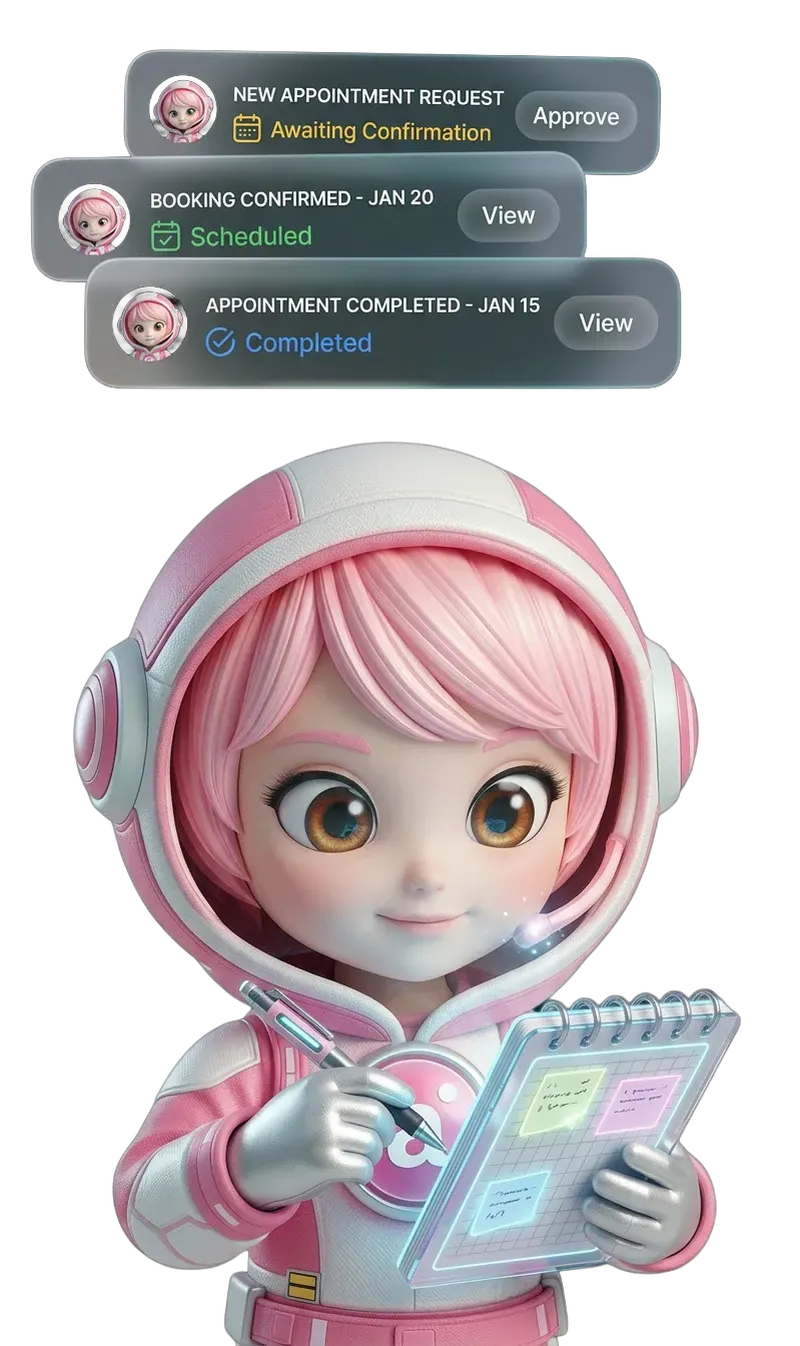
An AI phone agent can screen callers, ask qualifying questions, answer approved FAQs, book appointments, capture messages, route calls and send follow-up information. It can also identify when a request is outside its instructions and transfer the conversation instead of guessing.
Here are the main tasks worth considering.
1. Call screening and qualification
An AI receptionist can ask why the caller is getting in touch and collect the details your team needs. For a service business, that might include the type of job, neighbourhood, preferred timing and whether the caller is an existing customer.
For a professional firm, the questions may be different. You might need the caller’s matter type, urgency and preferred contact method. The system should only ask for information that has a clear purpose.
Call screening keeps your team from spending ten minutes finding out that an enquiry is outside your service area.
2. Answering routine questions
Most businesses receive the same questions repeatedly:
- What hours are you open?
- Which areas do you cover?
- How do I book?
- What should I bring?
- Do you work with this type of customer?
- How can I change an appointment?
An AI phone service can answer these questions from approved business information. The important part is keeping that information current. If your opening hours change, the phone system needs the new instructions before callers hear the old answer.
Don’t let it invent an answer to sound helpful. “I don’t have that information, but I can pass your question to the team” is safer than a confident guess.
3. Booking and changing appointments
Appointment handling is one of the clearest uses for an AI voice agent. A caller can ask for a time, provide the required details and receive confirmation when the system has access to an approved calendar and booking process.
The rules need to be specific. What appointment types are available? How much time does each require? What happens when no suitable slot is open? Can the caller reschedule, or does a staff member need to approve the change?
The system should never promise a booking it hasn’t actually completed.
4. Capturing and organising messages
A message is more useful when it contains the facts your team needs. Instead of “please call me back,” an AI phone assistant can collect the caller’s name, reason for calling, preferred callback time and any relevant job or appointment reference.
That gives the employee a head start. They can call back with context rather than repeat the opening questions.
5. Following up after the call
Depending on the system and the business process, a phone agent may send an approved text or email after a conversation. That could contain a booking confirmation, a next step or a request for information.
Follow-ups need restraint. Nobody wants a flood of automated messages. Set a narrow trigger, use plain language and make it obvious how the recipient can contact a person.
The strongest AI phone workflows connect conversation to action. A caller doesn’t just receive a polite answer; they reach the right queue, provide the facts needed for a decision, receive an accurate booking or get a clear next step. That is where phone automation earns its keep.
6. Handling inbound and outbound calls
Inbound calls are the obvious starting point, but some businesses also have repeatable outbound work. This might include appointment reminders, enquiry follow-ups or checking whether a caller still wants assistance.
Outbound calling carries extra responsibility. The business needs to check consent, contact rules and message expectations before automating it. Rules differ by location and use case, so get qualified legal guidance for your situation rather than relying on a generic vendor promise.
7. Updating business records
Some phone systems can write information into a customer record or CRM. This can be useful, but don’t assume every AI phone service includes it. Ask exactly which records it can update, what fields it changes and whether a human reviews the result.
A tidy call summary is often more valuable than a large amount of messy data.
For lead-focused work, keep phone qualification separate from lead management. The phone system handles the conversation; your lead workflow handles what happens to the opportunity afterwards. That may mean sending a summary to your team, creating a record or prompting a human follow-up, depending on your setup.
Can AI qualify leads, book appointments and send follow-ups?
Yes, an AI phone service can perform those tasks when the workflow, information and connected systems support them. Lead qualification means asking agreed questions and applying agreed rules. Booking means checking real availability. Follow-up means sending an approved message after a defined trigger.
That distinction matters.
A provider may say its AI can “manage leads,” but that could mean little more than taking a message. Ask what happens after the call. Does the enquiry become a record? Does someone receive the details? Is the appointment actually booked? Can the caller correct an error?
A practical call workflow
A small business might set up a workflow like this:
- The caller explains what they need.
- The AI asks four relevant qualification questions.
- It checks whether the enquiry fits the business’s service rules.
- It offers an available appointment when the request is suitable.
- It records the caller’s details and reason for contact.
- It transfers unusual, urgent or sensitive matters to a person.
That is a real process. “AI answers your phone” is only the front door.
Example: a new service enquiry
Imagine a caller asks whether a business can help with a particular job. The AI could ask what service they need, where the work is located and when they want it done. If the request fits the business rules, the system can offer the next approved step. If it doesn’t, the call can be routed to a staff member or recorded for review.
Notice what the system isn’t doing: it isn’t making up a price, promising a result or deciding on a matter that requires expert judgement.
For lead-focused work, define the handoff clearly. The phone agent should pass the caller’s answers, contact details and requested next step to whoever owns the opportunity. Don’t leave staff to reconstruct the conversation from a vague notification.
What to document before launch
Write down the following before anyone configures the system:
- The questions it must ask
- The questions it must never ask
- The services or callers it can handle
- The bookings it may make
- The promises it may make
- The reasons it must transfer
- The information that needs human review
- The message the caller hears when no action is available
This takes less time than fixing a system that has been allowed to improvise.
AI can qualify a lead, but it shouldn’t quietly redefine what a qualified lead means. Your team must decide the criteria first. The AI’s job is to apply those criteria consistently, record the answers and hand over anything that doesn’t fit the agreed pattern.
How can an AI phone service support human employees?
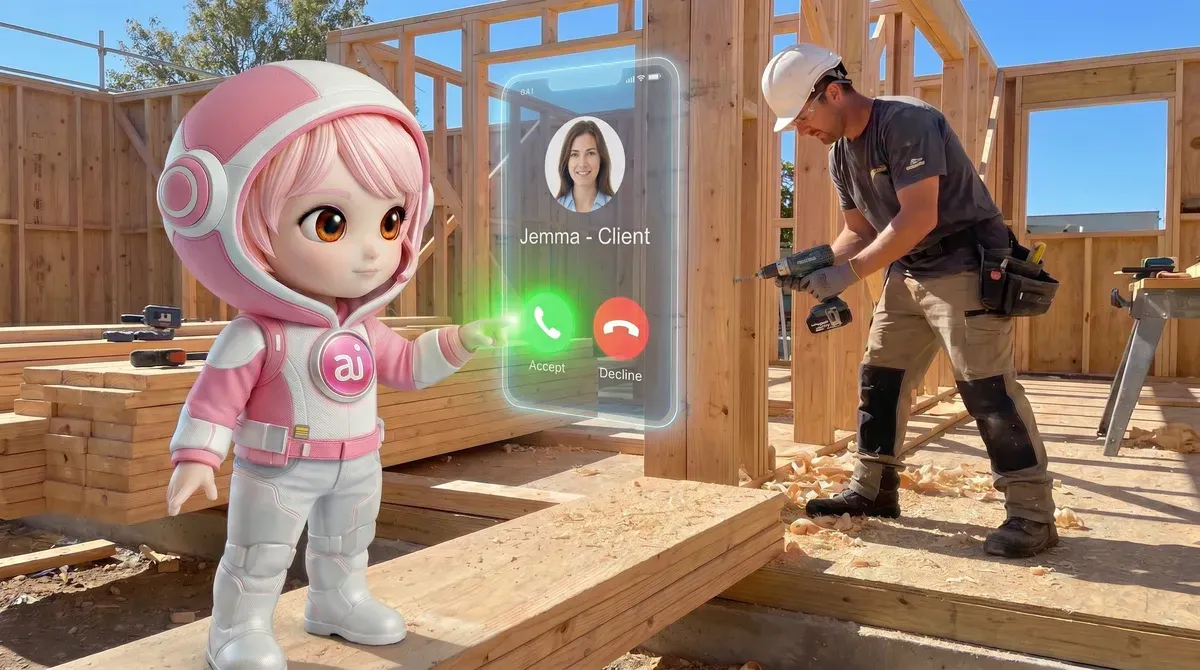
An AI phone service supports human employees by removing repetitive call work while keeping people responsible for judgement, relationships and exceptions. Staff can spend less time repeating opening questions and more time handling jobs that need expertise, discretion or a personal conversation.
That support only works when the handoff is good.
A poor transfer sends a caller to a person with no context. A useful transfer includes the reason for the call, answers already collected, the requested outcome and any warning that the matter may be urgent or sensitive.
Use transfer rules, not vague instructions
“Transfer difficult calls” is too vague. Define difficult.
Transfer to a human when:
- The caller asks for a person
- The issue involves a complaint or dispute
- The caller needs advice outside the approved information
- The request involves a sensitive personal or financial matter
- The AI cannot understand the caller after reasonable attempts
- The caller disputes a booking, charge or business decision
- The matter is urgent or potentially unsafe
The exact rules will depend on your business. Keep them visible and review them after real calls.
Protect the employee’s attention
The goal isn’t to push every call onto staff. It’s to send the right calls to the right person with enough information to act.
For example, a receptionist may handle routine bookings while a manager receives complaints or complex service requests. A sales employee may receive qualified new enquiries instead of general opening-hours calls.
A wider AI workforce can also divide work by role. Sevenfold describes its offering as a well-trained AI workforce, but the right role still needs a defined brief. A phone agent shouldn’t be expected to act as a support manager, sales expert and operations manager without separate rules and oversight.
For work after the call, an AI executive assistant for managing business follow-up may sit alongside a phone workflow. Keep the responsibilities clear: one role handles the call, while another follows the approved process afterwards.
Give callers a clean escape route
Some callers simply prefer a human. Don’t make them argue with the system.
Offer a clear way to request a person, state when someone is available and explain what happens if no one can answer immediately. If the caller leaves a message, capture the reason and don’t force them to repeat it on the callback.
Human support works best when AI deals with predictable demand and people deal with exceptions. The handoff is the test. If employees receive clear context and callers can reach a person without friction, automation supports the team instead of creating another queue to manage.
What should businesses check before choosing an AI phone service?
Before choosing an AI phone service, test its boundaries as carefully as its voice. Check the knowledge it uses, the actions it can take, the systems it connects to, its transfer process, data handling, call-recording approach and reporting. Then run realistic calls, including confused callers and requests outside scope.
A polished demo proves very little. Ask to see how the system behaves when the answer isn’t in its instructions.
Questions to put to a provider
| Area | Questions to ask |
|---|---|
| Call handling | Can it handle natural-language conversations, interruptions and unclear requests? |
| Call routing | Can it transfer to a real person, department or voicemail with context? |
| Appointments | Does it check an approved calendar before confirming a booking? |
| Lead qualification | Can the business define the questions and rules? |
| Records | Where do call notes, contact details and summaries go? |
| Privacy | What information is collected, retained and accessible to staff? |
| Call recording | Is recording enabled, optional or controlled by the business? |
| Escalation | What happens when the AI cannot answer or the caller asks for a person? |
| Testing | Can you test realistic calls before going live? |
| Reporting | Can you review missed calls, transfers, bookings and failed interactions? |
Do not accept “it integrates with your systems” as a complete answer. Ask which system, which fields, which permissions and which actions. A connection that only sends an email is different from one that creates and updates records.
Privacy and call-recording risks
Phone conversations can contain names, addresses, appointment details, business information and other personal data. Before launch, decide what the system needs to collect and what it doesn’t.
Call recording also needs care. Consent and disclosure requirements can vary by location and situation. The NIST AI Risk Management Framework offers a useful way to think about risk: identify it, set controls, test the system and keep checking performance.
Voice cloning deserves separate attention. A natural-sounding voice is one thing; copying a real person’s voice without proper permission creates a different set of risks. The Federal Trade Commission’s guidance on AI-enabled voice cloning explains why businesses should treat this area carefully.
This article isn’t legal advice. If your calls involve sensitive information, recording or automated outbound contact, ask a qualified professional about the rules that apply to your business.
Safeguards worth putting in place
Set up basic controls from day one:
- Give the AI only the information it needs
- Keep business facts in one approved source
- Review call summaries for errors
- Create a human escalation path
- Test changes before publishing them
- Tell callers when they are speaking with an AI system where required
- Check outbound contact and consent requirements
- Remove access when a staff member no longer needs it
A trustworthy AI phone service should be judged by its failure behaviour, not just its best conversation. The key questions are simple: does it admit uncertainty, protect sensitive information, transfer at the right time and leave an accurate record for the person taking over?
How should a small business measure the results?
Measure an AI phone service against the work it was meant to improve. Track answered calls, completed bookings, qualified enquiries, useful transfers, abandoned conversations, inaccurate answers and staff time spent correcting mistakes. Review quality as well as volume.
Start with a baseline before switching anything on. You don’t need a complicated dashboard. A simple weekly record can show whether the system is helping.
Useful measures
- Calls answered outside staff availability
- Calls that reached the correct person or queue
- Appointments completed by the system
- Qualified enquiries passed to staff
- Callers who asked for a human
- Calls that needed correction
- Repeated questions reduced for staff
- Customer complaints about the phone experience
Don’t judge the system by answer rate alone. An AI that answers every call but gives poor information is not doing good work.
A simple review method
For the first few weeks, review a sample of calls or summaries. Mark each one:
- Correct and complete
- Correct but missing useful context
- Incorrect answer
- Should have transferred
- Transfer was unnecessary
- Caller could not complete the task
Look for patterns. One bad call may be noise. The same wrong answer every Tuesday suggests your business information or instructions need attention.
Work out the financial effect
You can compare the cost of the service with measurable outcomes such as recovered enquiries, completed bookings and staff hours returned to higher-value work. Be careful with assumptions. A call isn’t automatically revenue, and a booking isn’t automatically a completed sale.
A better calculation uses your own records:
- Count missed or abandoned calls before launch.
- Count the enquiries and bookings handled after launch.
- Check how many became real appointments or sales.
- Record staff time spent reviewing and fixing calls.
- Compare the result with the service cost.
The return from an AI phone service comes from completed work, not from minutes of conversation. Count the enquiries that reached the next step, the appointments that were genuinely booked and the staff effort that no longer went into routine calls.
Frequently asked questions
What is an AI phone service for small business?
An AI phone service is a system that speaks with callers, understands common requests and follows business instructions. It may answer FAQs, screen calls, collect details, route conversations, book appointments and escalate matters to a person. The exact capabilities depend on the provider, setup and connected business systems.
What can an AI phone service handle beyond answering calls?
Beyond answering, an AI phone service may qualify leads, collect structured messages, answer routine questions, schedule appointments, send approved follow-ups and route callers. It can also identify requests outside its instructions. Businesses should confirm each action with the provider rather than assuming the advertised term covers it.
How much does an AI phone service cost for a small business?
Pricing depends on the provider, plan, call volume, features, setup and connected systems. Sevenfold’s plans start at $25 per month (Lite), with Pro at $105 per month or $89 per month paid yearly — every plan includes monthly usage credits that calls draw from at a published per-minute rate. Ask the provider what is included before comparing prices.
Can AI answer my business phone and book appointments?
Yes, an AI phone service can answer a business phone and book appointments when it has the correct booking rules and access to an approved calendar or booking process. It should confirm only appointments it has actually completed, and it should transfer unusual requests or booking disputes to a human.
The takeaway
An AI phone service for small business can handle much more than a first hello. It can collect the facts behind an enquiry, apply your qualification rules, book approved appointments, answer repeat questions and send the right calls to the right employee.
Start with one narrow workflow. Write the rules. Test the awkward calls. Keep a human in the loop where judgement matters.
If you’re building a practical AI workforce for your business, explore Sevenfold’s AI workforce solutions and see where a well-trained AI employee could take repetitive phone work off your team’s hands.
Related posts
Small-Business SEO Content Writer and AI Social Workflow
How a small-business SEO content writer and AI social workflow fit together — one approved article, …
AI for Social Media Posts: Keep Your Brand Voice
How to use AI for social media posts without losing your brand voice: voice guides, briefing …
AI Support Manager for Small Business: Practical Guide
A practical guide to setting up an AI support manager for small business: first tasks to automate, …